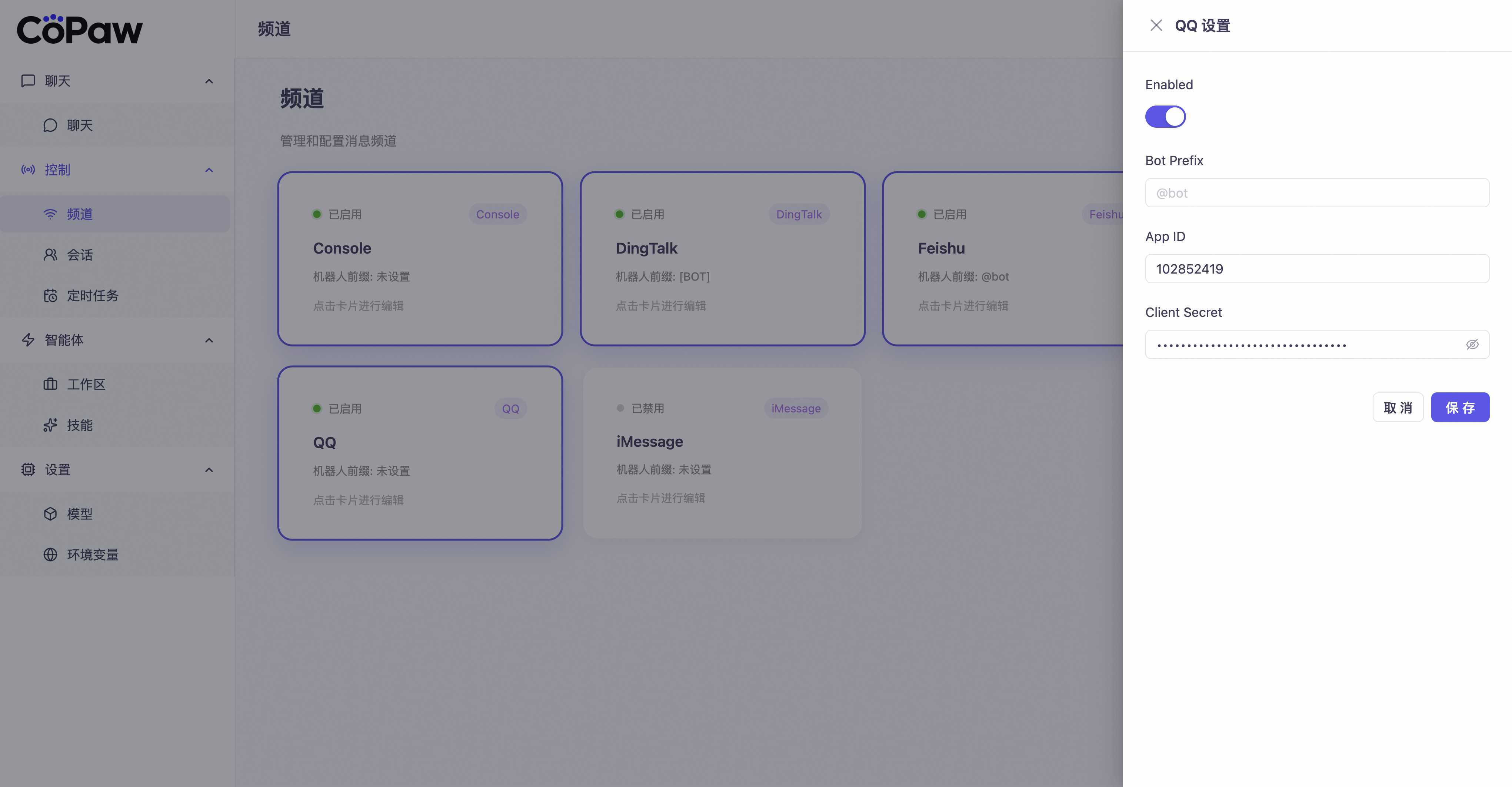
QQ Channel Configuration
Get QQ Robot Credentials
-
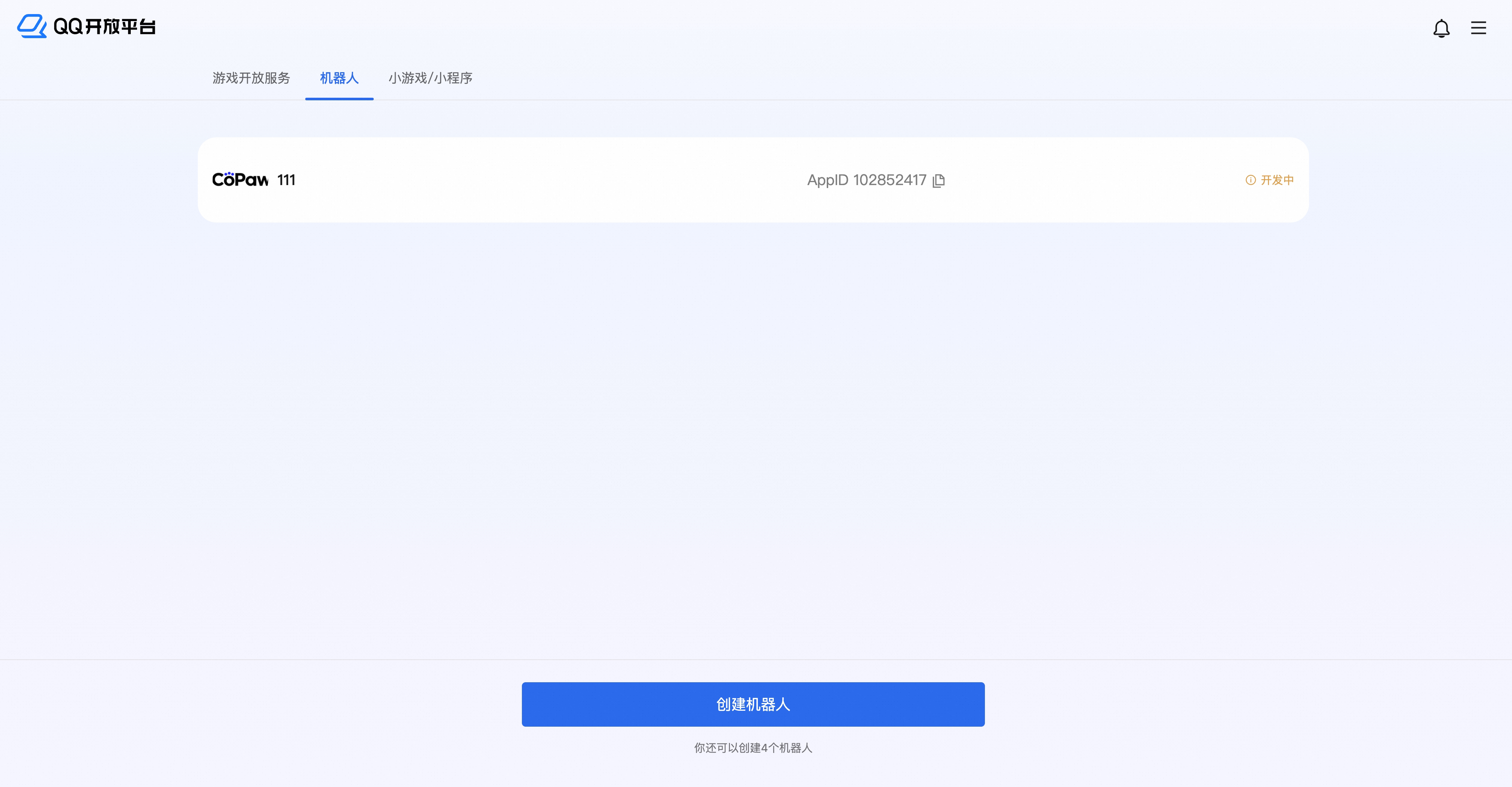
Open QQ Open Platform

-
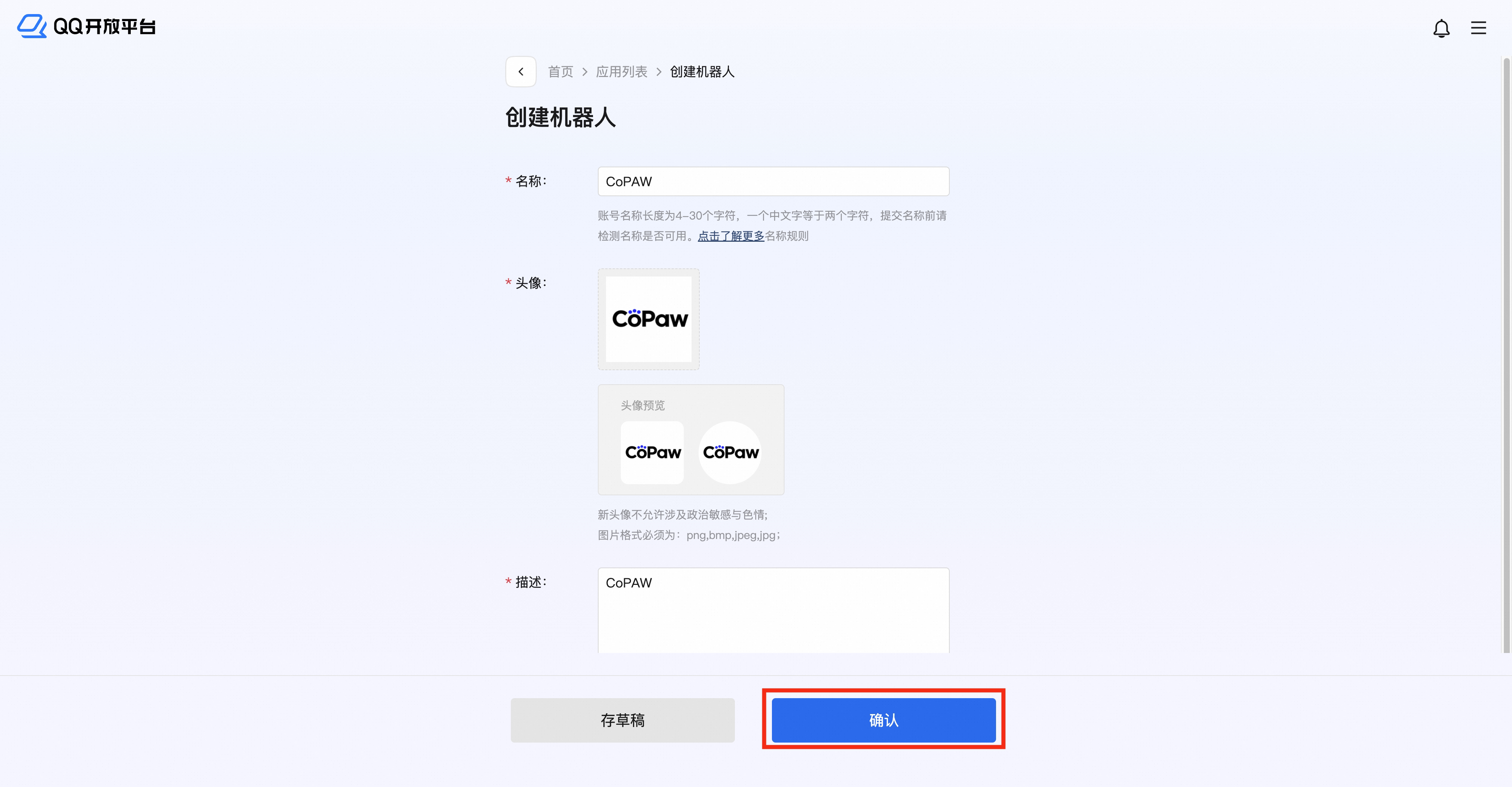
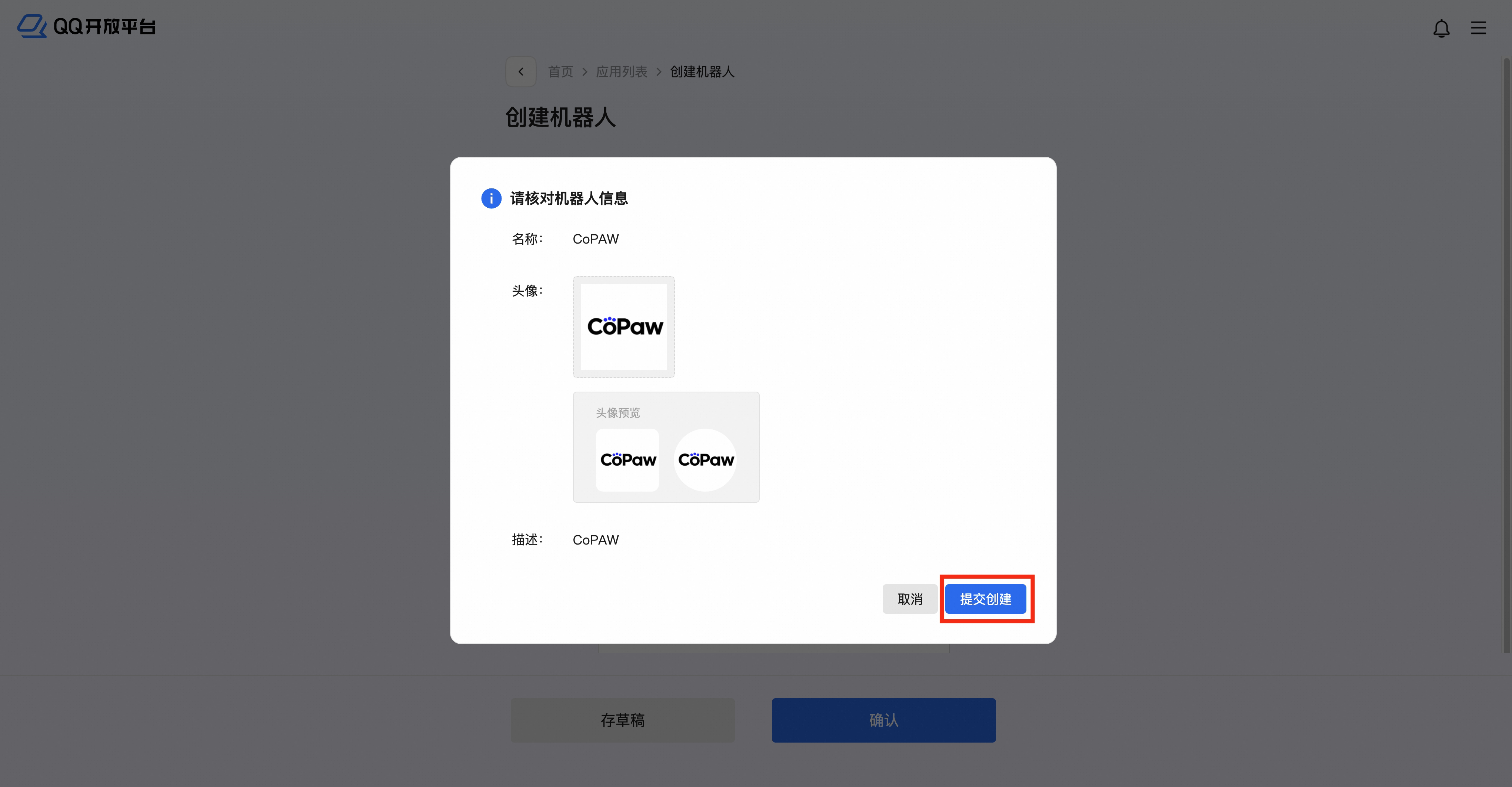
Create a robot application, click to enter the editing page
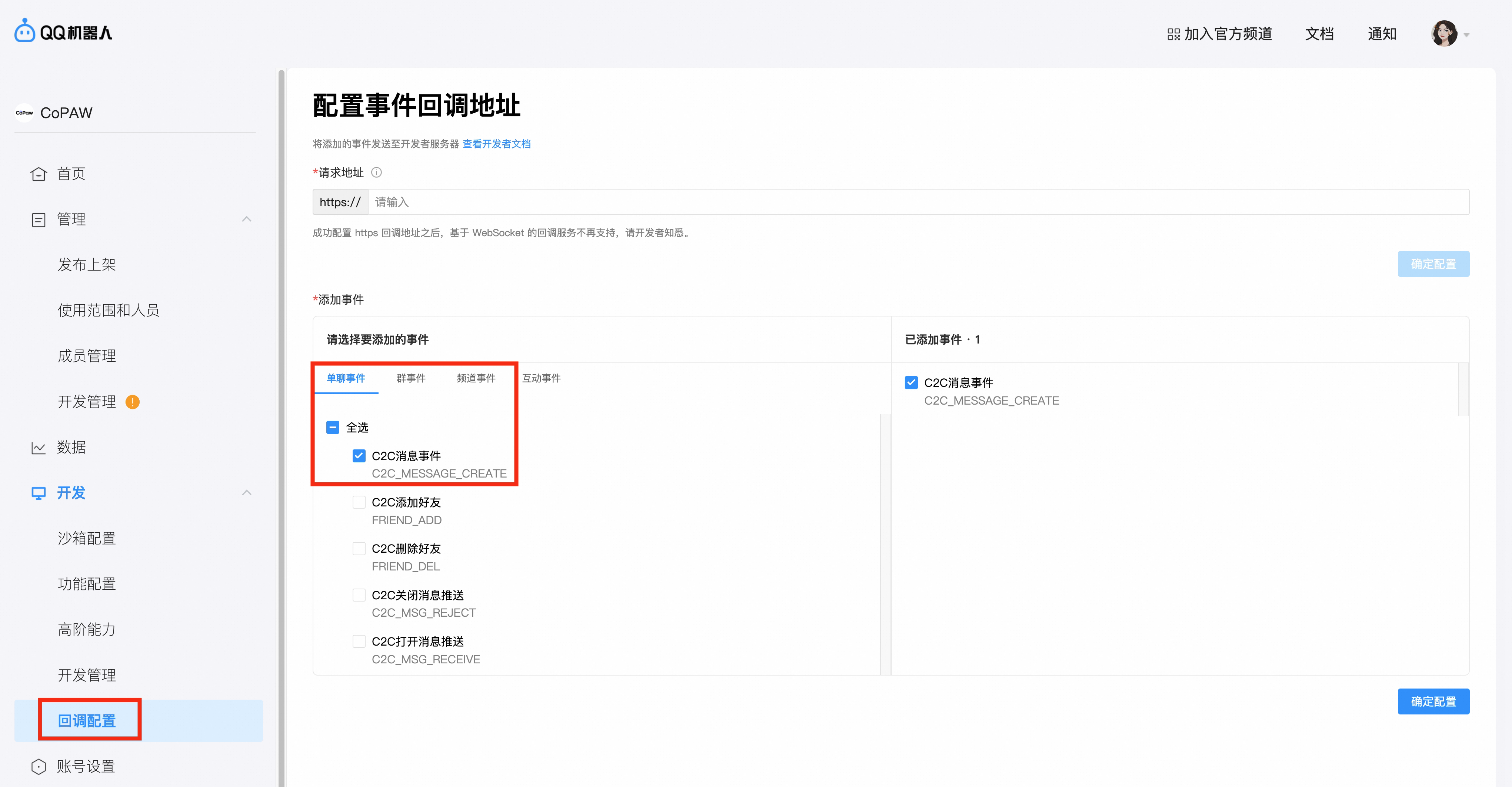
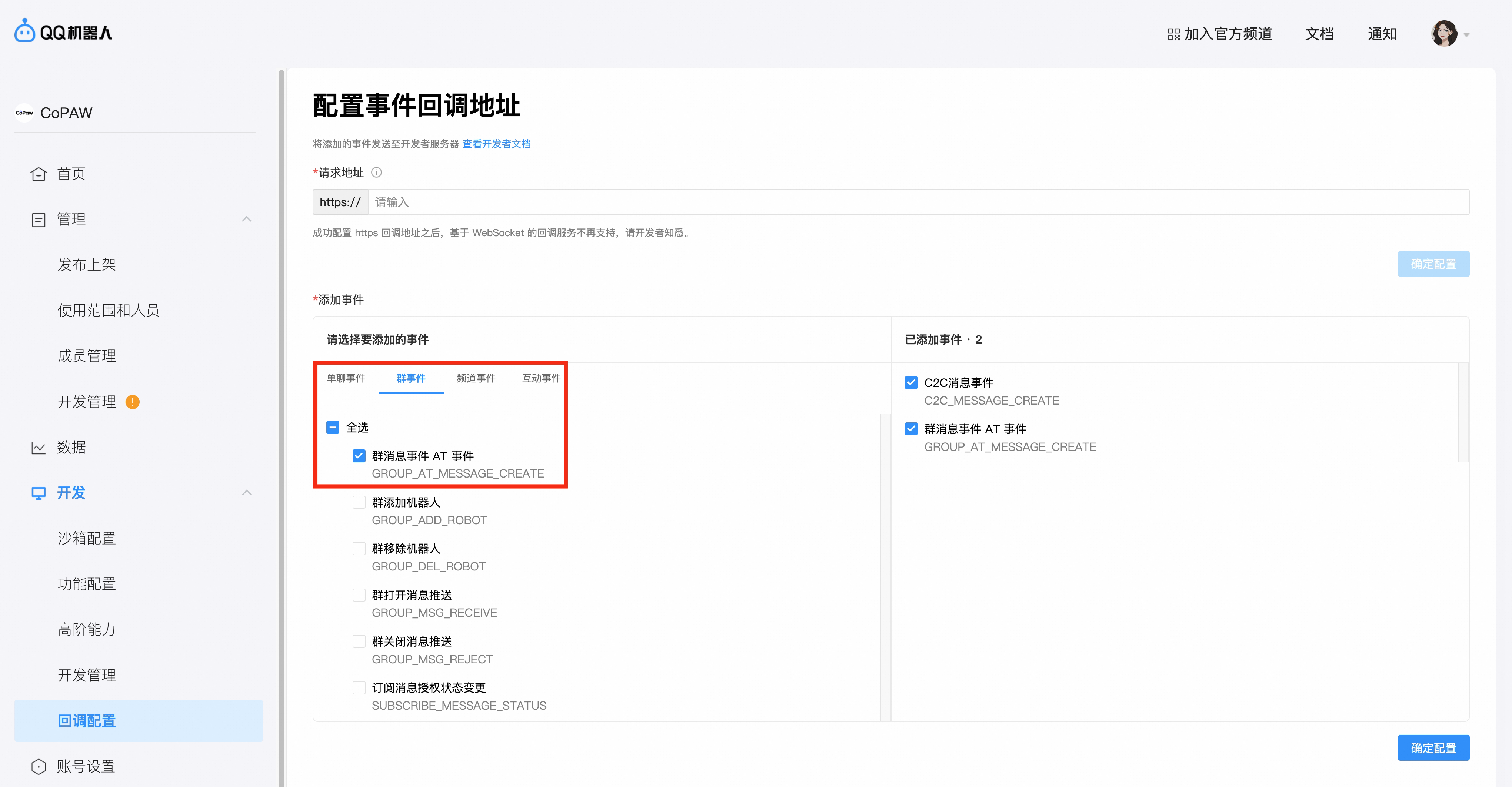
- Select **Callback Configuration**. First, in **One-on-One Chat Events**, check **C2C Message Events**. Then, in **Group Events**, check **Group Message Events (AT Events)**. Confirm the configuration.
-
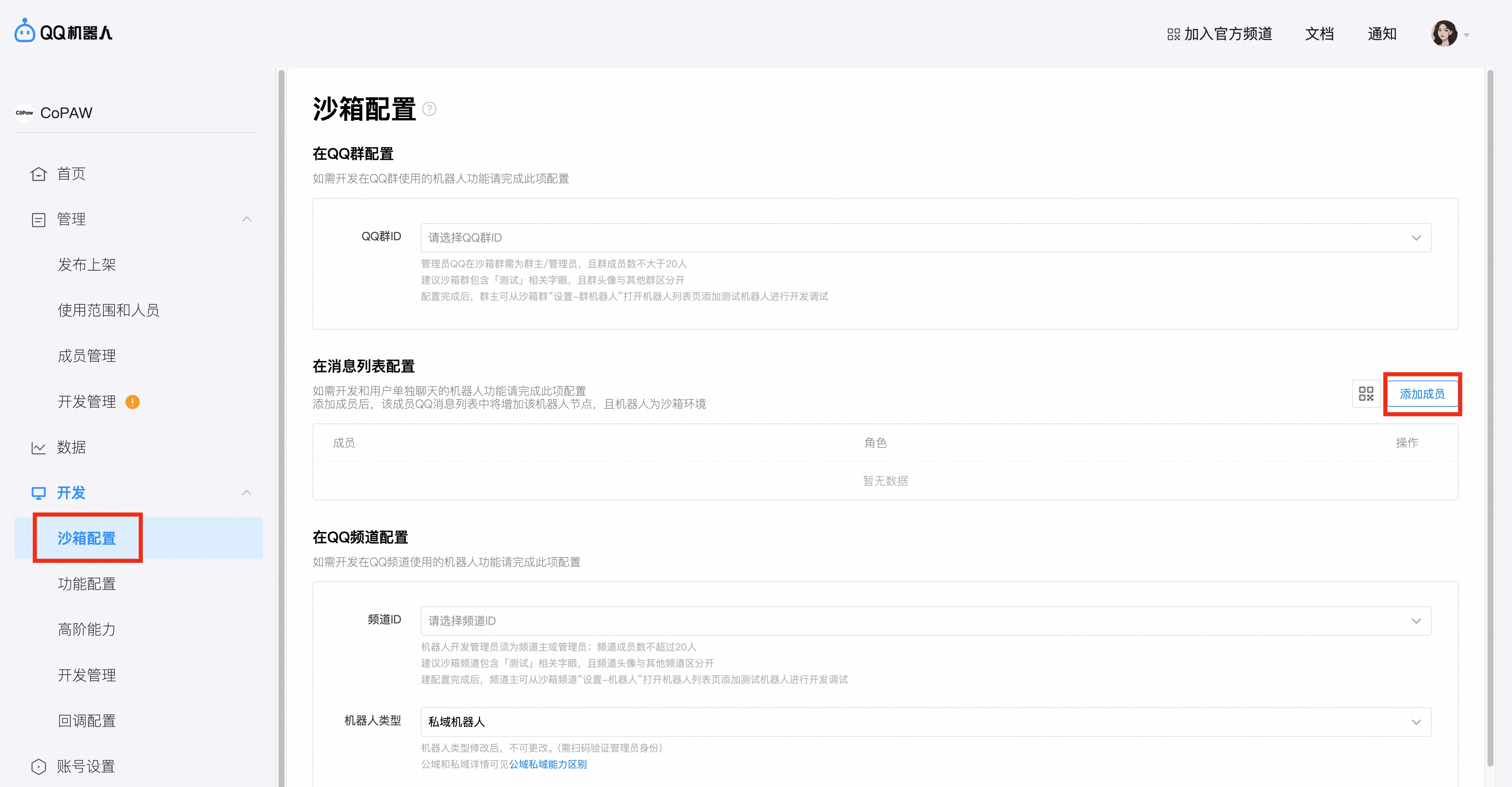
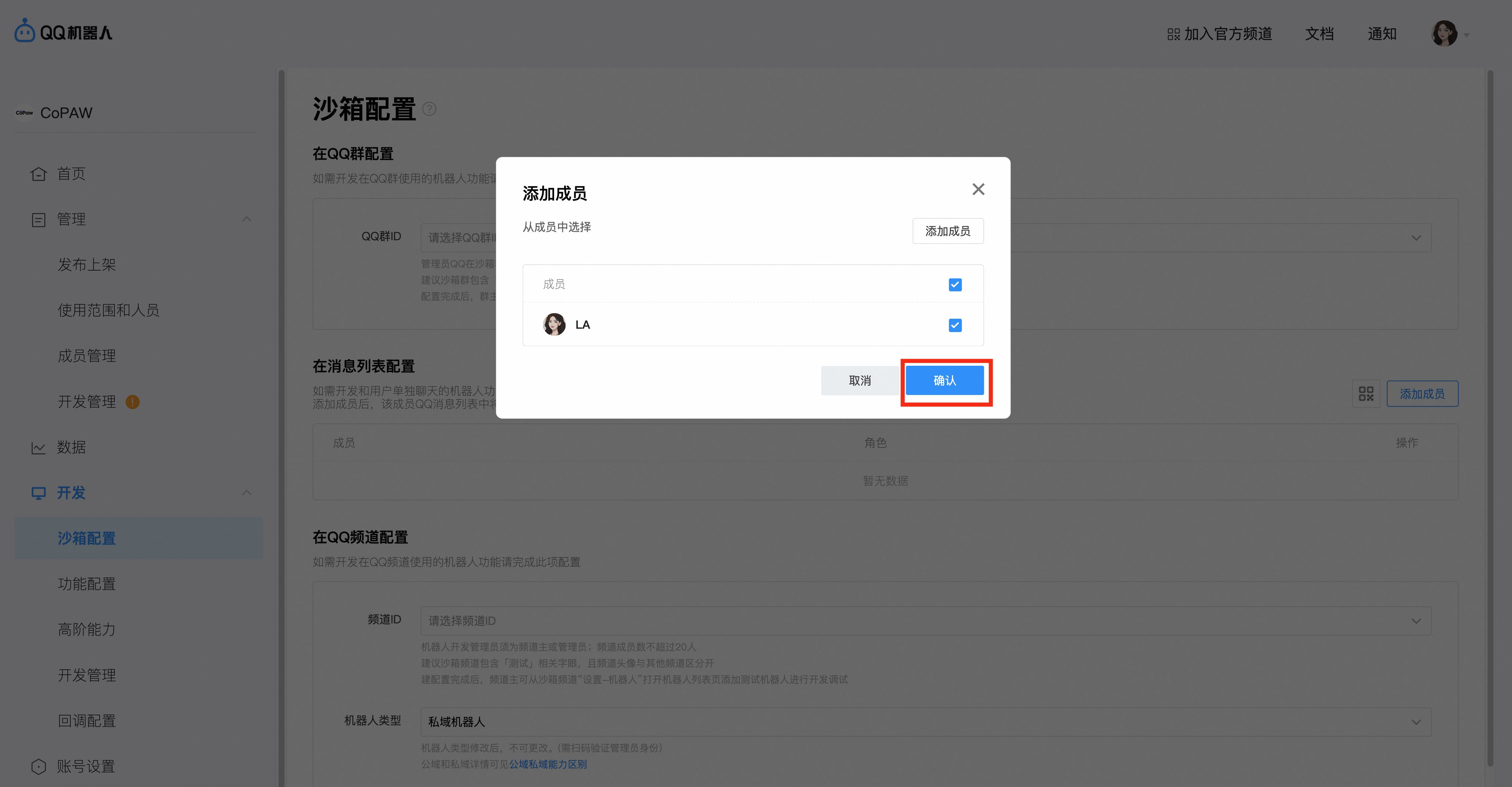
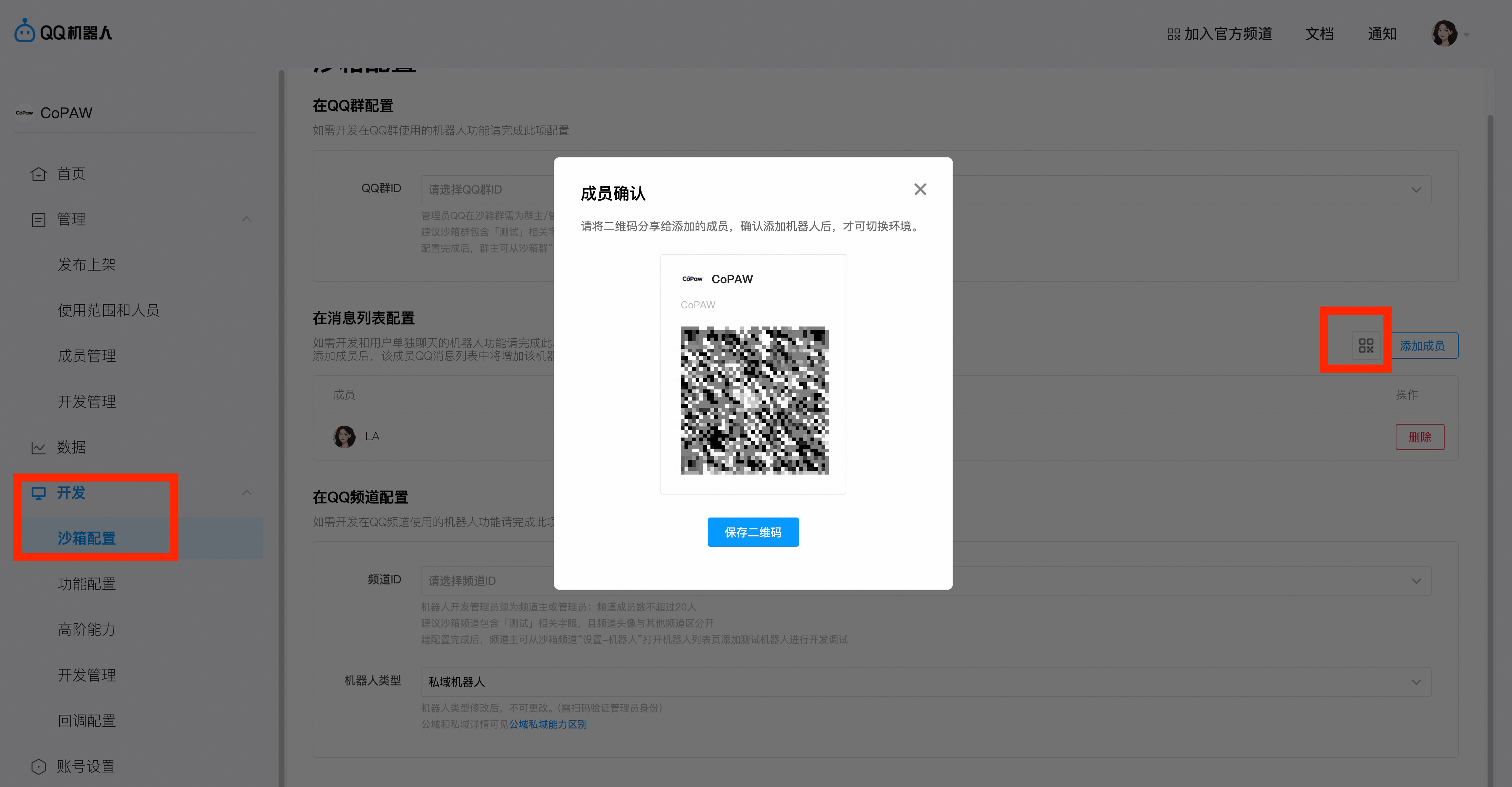
Select the Message List Configuration Item in the Sandbox Configuration, click Add Member, and select to add yourself
100%; height: auto; margin-top: 10px; margin-bottom: 10px;”>
-
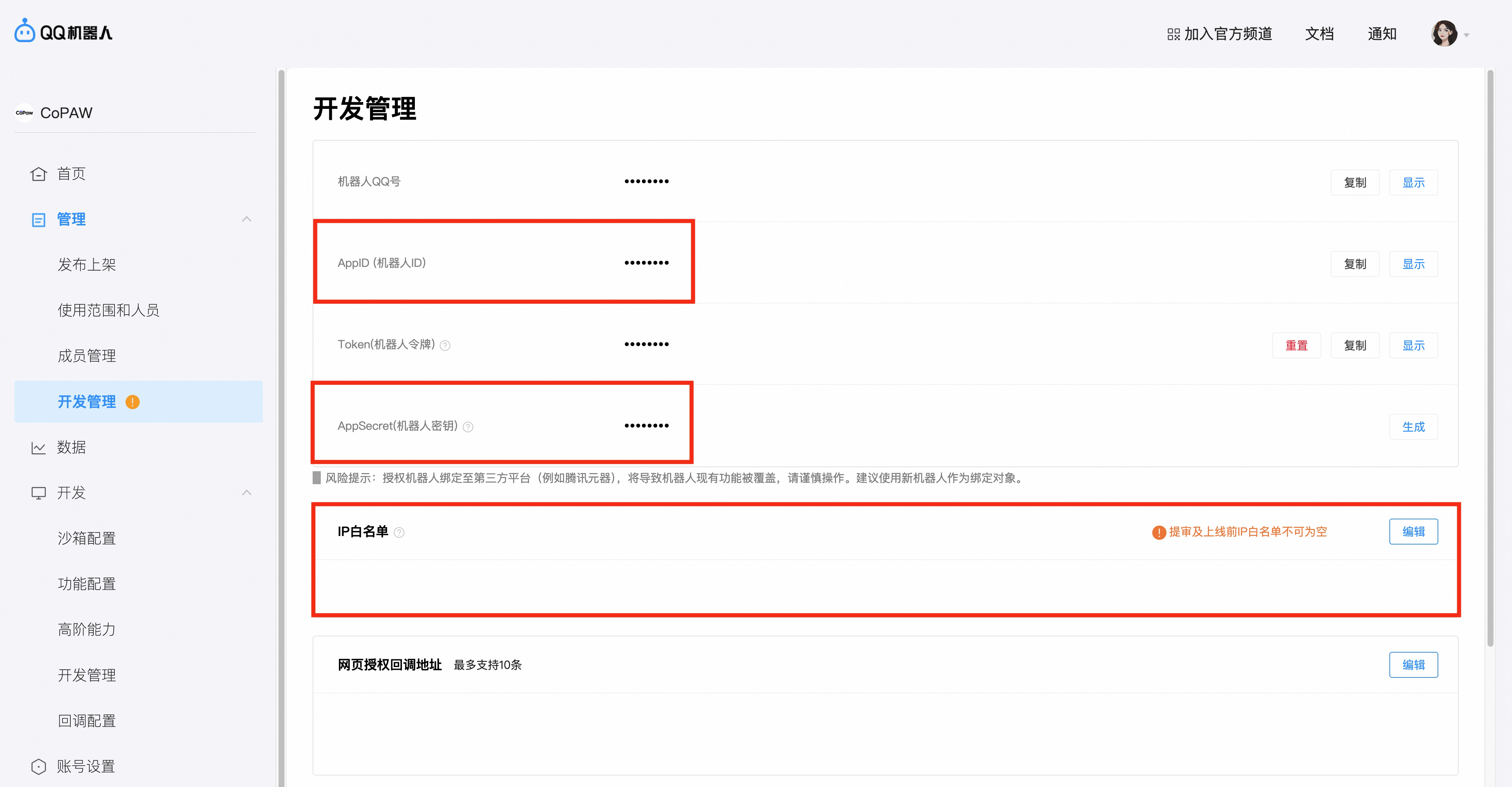
In **Development Management**, obtain the **AppID** and **AppSecret** (i.e., **ClientSecret**), and fill them into the front-end page. See below for instructions. Add an IP address to the **IP Whitelist**.
Tip: To obtain your IP address, you can look it up at IP Address Lookup.
-
In the sandbox configuration, use QQ to scan the QR code and add the bot to the message list.
-
In the sandbox configuration, use QQ to scan the QR code and add the bot to the message list.
100%; height: auto; margin-top: 10px;”>
Fill in the front end